+0.00m / INFO POINT
Kiosk & display
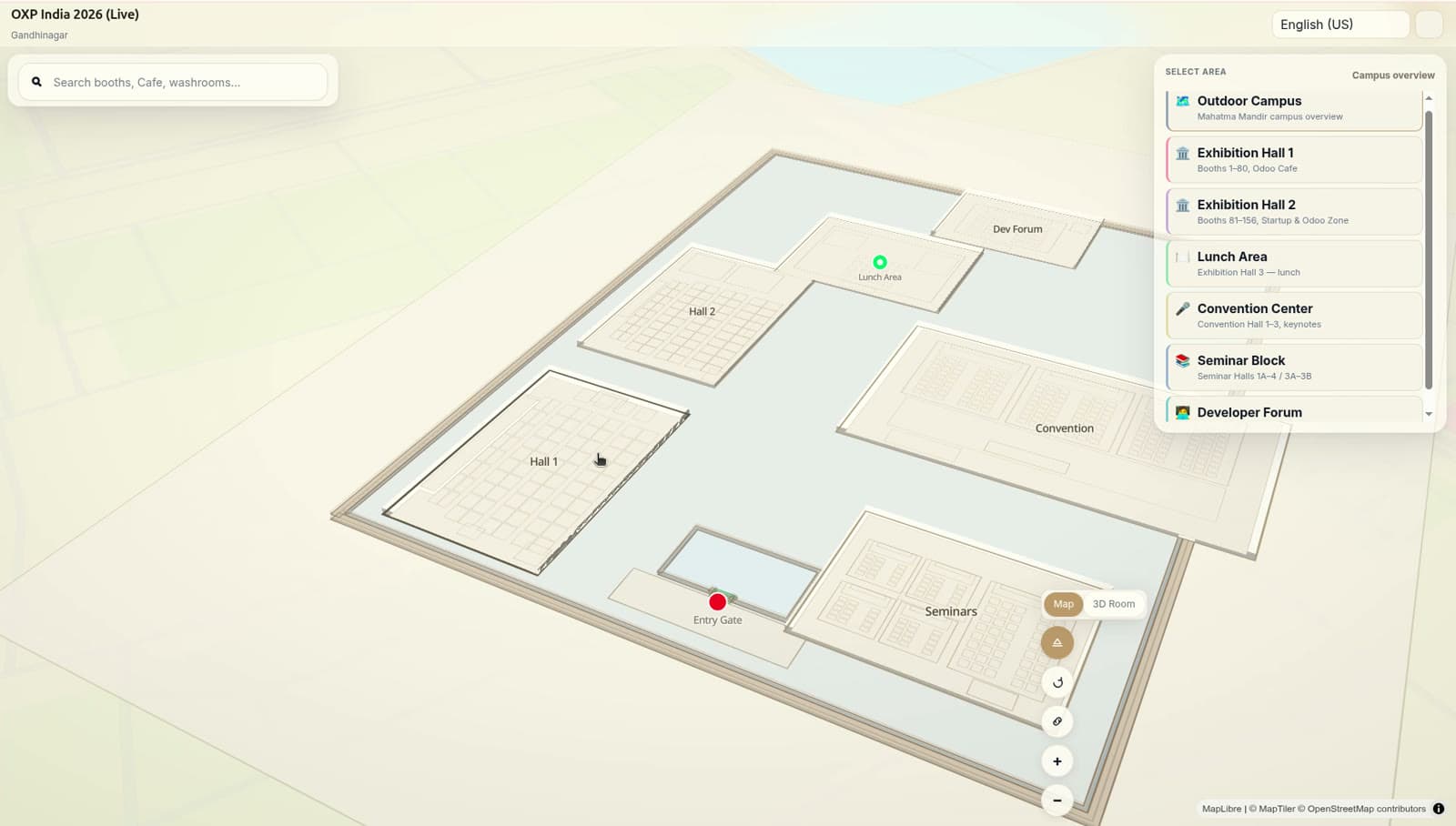
Kiosk and display mode runs the venue map full-screen on lobby kiosks, info points and wall screens. Venues use it to give visitors self-service search and wayfinding, driven from the same map source as phones and embeds — always current, never reprinted.
The same map, full-screen, on any screen in the venue — updated the moment the map or the data changes.
+0.00m / INFO POINT
What it does
Runs on commodity hardware
Any device with a modern browser works: touch kiosks, tablets, wall displays. No proprietary player.
Touch wayfinding
Visitors search, get a route from the kiosk's known position, and take it with them by QR code.
Idle attract loop
An idle kiosk shows a slow orbit of the venue or content you choose — featured exhibitors, today's sessions.
Event mode
During a show, kiosks surface the event layer: booths, sessions, sponsors. Between shows, the venue layer.
Remote fleet management
See every kiosk's status, push content and restart remotely. One dashboard for the whole fleet.
Offline resilience
Kiosks cache the map and keep serving wayfinding through network blips, reconciling when the connection returns.
LIVE LAYER
A kiosk is the wedge made visible: when a booking changes in the venue's records, the kiosk directory changes with it — nobody walks the floor swapping printed signs.
+0.00m / EXIT
See your venue as your visitors will
Book a walkthrough on a live venue map, or start free with your own floor plan.